
FIND YOUR WAY AROUND
Read Markdown clearly
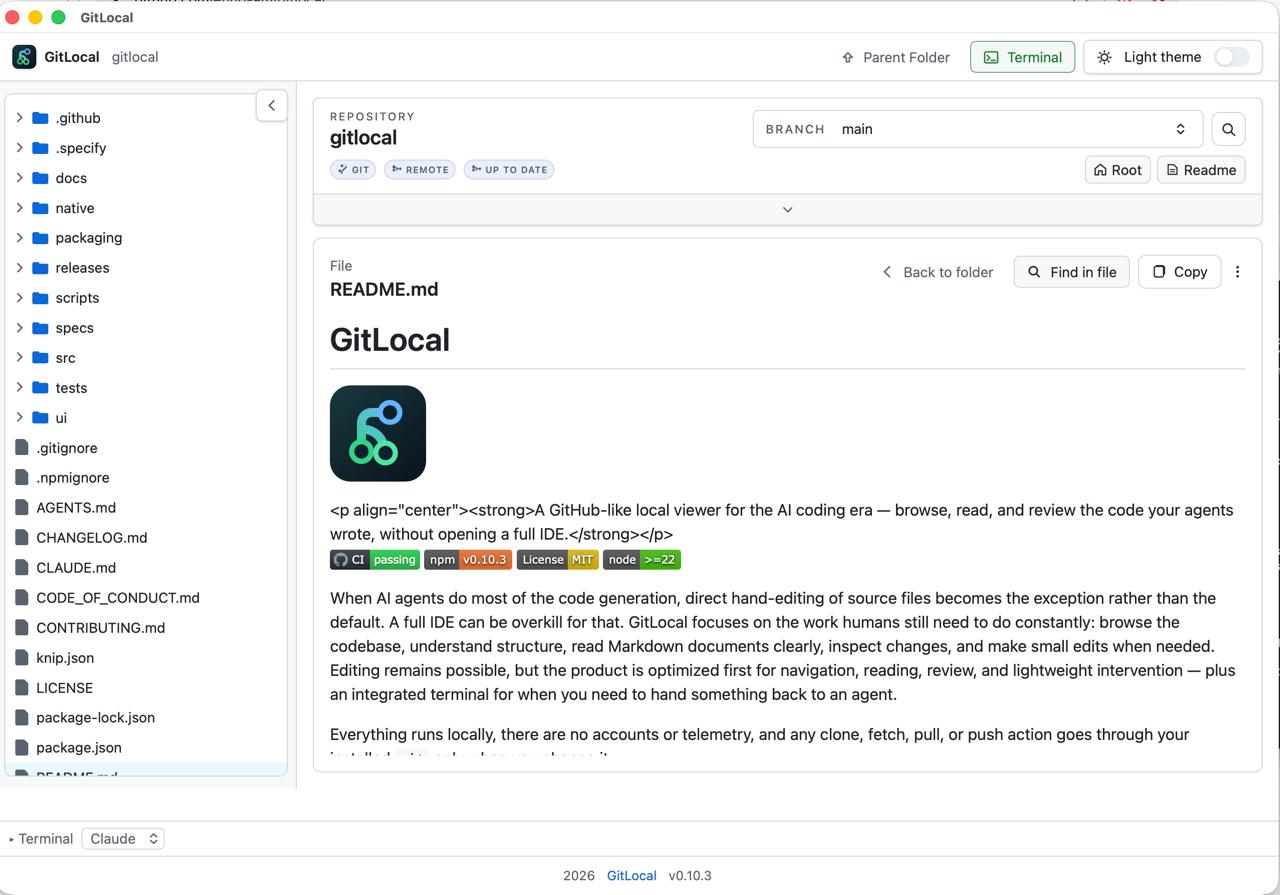
AI agents write a lot of Markdown: specs, plans, READMEs, notes. GitLocal renders it the way GitHub would, from the files on your disk.
What you get
- GitHub-like rendering. Headings, tables, task lists, and syntax-highlighted code blocks look the way you expect.
- Links that work. Relative links between documents open inside GitLocal, and headings get anchors you can link to.
- Find highlights. Search matches are highlighted right in the rendered page.
- Share what you read. Print, Save as PDF, local email and share flows, copy, and download fallbacks, without sending the document anywhere on your behalf.
- Open Markdown from Finder (macOS app). If you accept when asked, double-clicking a
.mdfile opens it in GitLocal.
Try it in one command
npx gitlocal
Needs Node.js 22+. Full install guide, including the macOS app →